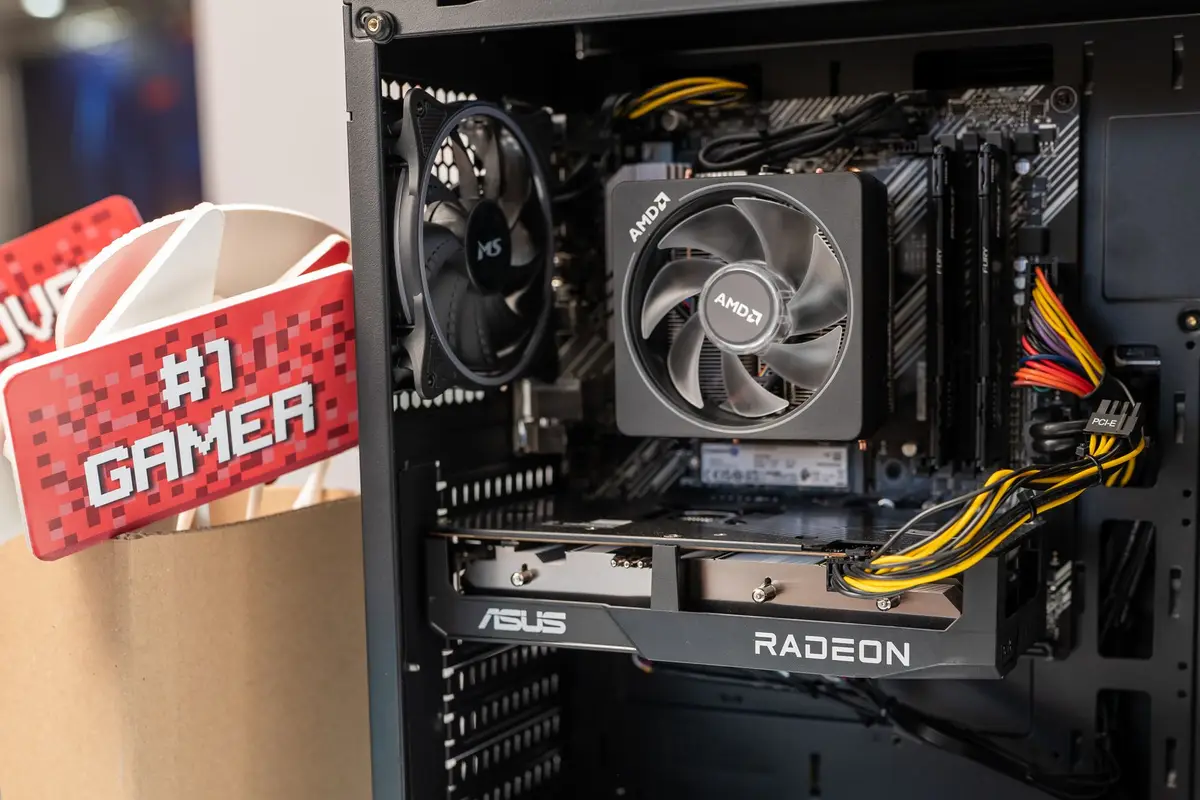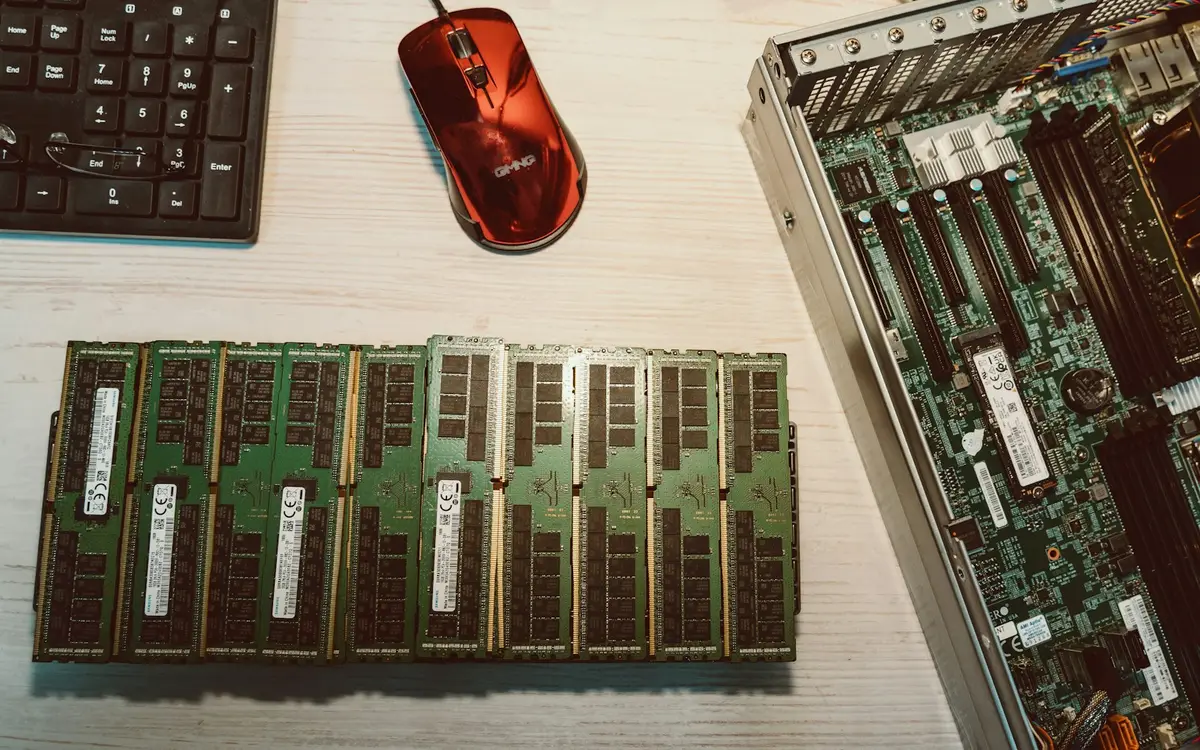
TrendForce forecast on July 3 that contract prices for conventional dynamic random-access memory (DRAM) would rise 13 to 18 percent quarter on quarter in the third quarter of 2026, while NAND Flash would rise 10 to 15 percent. Those are upstream contract-price estimates, not a worldwide street-price forecast for a particular memory kit, solid-state drive (SSD) or finished PC.
The same survey said capacity reallocations toward server applications were reducing PC DRAM supply and that artificial intelligence (AI) inference and large data-center deployments remained the main drivers of NAND Flash demand. It also expected higher component costs to move through notebook inventories, but the timing and size of any retail change will vary by product and market.

Upstream pressure does not create one retail price
Contract prices cover transactions between suppliers and large customers. A retail module or SSD reaches a buyer after manufacturing, distribution, taxes, currency conversion, local inventory and promotions, so its shelf price will not move in lockstep with the percentages in an upstream forecast.
The source report also cited prices and 20 desktop build lists from one July 29 post on a Taiwan PC-building forum. APPI News omitted those figures because the sample cannot establish a Taiwan retail average and offers no basis for a worldwide one.

Server demand is tightening consumer component supply
DRAM serves several markets, including PCs, servers and graphics products, while NAND Flash is the storage medium in SSDs. Suppliers decide how much capacity to allocate among those uses, which links data-center procurement to the components available for consumer devices.
TrendForce said suppliers were continuing to prioritize AI-related applications and higher-margin server products. For PC buyers, that finding supports a risk of continued cost pressure; it does not show that every memory kit or SSD will rise by the same amount.

Workload decides whether 16GB or 32GB earns its cost
A memory target should come from the applications, project sizes and tasks that will run together. A generic label such as student PC, office PC or creator PC does not identify those requirements.
For Adobe Premiere 26.0, 26.2, 26.3 and 26.3.2 on Windows, Adobe lists 8GB of random-access memory (RAM) as the minimum and recommends 16GB for high-definition (HD) media and 32GB or more for 4K and higher-resolution work. That is one workload-specific example, not a universal boundary between basic and demanding computers.
Buyers replacing a working computer can run their heaviest normal workload and record peak memory use before selecting a capacity. A new build should follow the published requirements for its required software and leave a practical upgrade path when the motherboard and budget allow it.
Size storage from files and expansion options
Storage planning starts with the operating system, required applications, project files, local media, games and working caches. Backup capacity belongs in a separate calculation because another folder on the same SSD does not protect data if that drive fails.
Adobe recommends a fast internal SSD for Premiere's application and cache and an additional high-speed drive for media. The page does not prescribe a 512GB or 1TB system drive, illustrating why capacity has to follow the size and location of the buyer's own files.
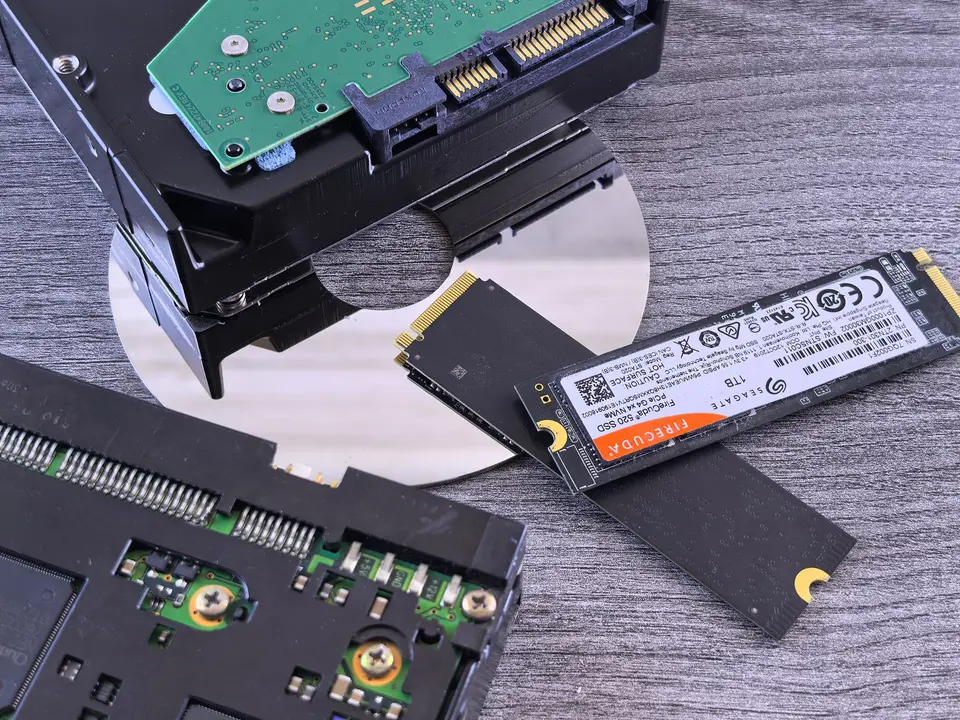
A motherboard manual can establish the number, length and interface of supported M.2 drives, any shared lanes and whether installed components block a slot. A smaller first drive preserves cash only when later expansion will not require replacing it or giving up another needed connection.

Warranty duration, the published total-bytes-written limit and the return process should be checked for the exact SSD and country of purchase. A headline warranty period does not state every eligibility limit or available remedy, so buyers should save the terms presented for their product and market.
Protect power and compatibility before cosmetic extras
Lighting, premium heat spreaders, aggressive memory timings and a faster SSD interface can move down the list when no required workload depends on them. Documented capacity, a compatible power supply and enough motherboard connections are harder to correct after the parts have been bought.
A power-supply decision requires the complete system configuration, the selected graphics card and the allowed cable arrangement. APPI News's RTX 5090 checklist shows why the exact card, power supply, motherboard and case have to be checked together; its model-specific figures are not targets for an ordinary PC.
Waiting is a price bet, not a specification plan
TrendForce expected third-quarter DRAM and NAND Flash contract-price increases to moderate from earlier quarters as consumer demand and tolerance for further increases weakened. The report did not provide a worldwide retail-price path or forecast a return to 2025 retail levels.
A buyer facing a school or work deadline can compare the same complete configuration at local retailers on the same day. The total should include taxes, delivery, an operating-system license where required, assembly, warranty coverage and any part needed to make the system usable.
Without an immediate deadline, price tracking should hold the part number, capacity, interface and warranty constant. An acceptable total and a purchase deadline make that comparison measurable; switching among unlike products can make a discount look larger than it is.
How this plays out outside Taiwan
A Taiwan forum snapshot cannot serve as a retail benchmark for buyers elsewhere. A comparable budget has to use the same part number and capacity, then account for the way each market presents taxes, delivery charges, returns and remedies for faulty goods. The United States, United Kingdom, Australia and Singapore illustrate how the amount on a product page can carry different information and different protections.
In the United States (US), the US Federal Trade Commission (FTC) advises online shoppers to establish the total cost, including shipping, handling, delivery, taxes and other fees. Because those additions can change the payable amount, a US price log should use the checkout total for the delivery address rather than a search-result card or an untaxed product-page figure. It should also record the seller, since the same RAM module or SSD may appear in a manufacturer's store, a retailer's own inventory and a third-party marketplace listing with different return routes.
Warranty labels also need unpacking in the US. The FTC says a written warranty must be available to read before purchase whether the sale occurs online or in person, and its checklist separates duration, covered failures, the offered remedy, the claims contact, labor costs and return-shipping costs. The agency says US implied-warranty coverage comes from state law and may differ from a written manufacturer warranty, so a multiyear label alone cannot describe every right or cost attached to a claim. A receipt and a saved copy of the warranty preserve the records the FTC recommends keeping.
In the United Kingdom (UK), the sales channel changes the return calculation. UK government guidance says online, mail and telephone customers can normally notify the seller within 14 days of receiving an item that they want to cancel, then have another 14 days to return it. The same page says the seller generally does not have to accept an in-store return merely because the customer changed their mind. A UK comparison should therefore record whether the component is bought at a shop or at a distance, together with the seller's stated voluntary return policy.
Faulty UK hardware follows a different route from a change-of-mind return. The UK government says a seller must repair or replace an item returned within six months unless it can prove the item was not faulty when bought, and that repair or replacement rights may continue after a warranty or guarantee expires. That makes the contracting retailer and proof of purchase material parts of the support package. A cheaper import sold by an overseas merchant is not equivalent to a domestic offer until the buyer has identified who will handle a fault and where the part must be sent.
Australia sets a more explicit baseline for advertised totals. The Australian Competition and Consumer Commission (ACCC) says businesses must display the total price as a single figure that includes taxes, duties and unavoidable or preselected extra fees. The ACCC also says that when more than one price is displayed for an item, the business must charge the lowest one or stop selling the item until the display is corrected. Delivery that depends on location and genuinely optional assembly still need to be placed alongside the displayed component price when comparing complete builds.
An Australian manufacturer's warranty is not the only protection attached to a component. The ACCC says statutory consumer guarantees are separate from voluntary warranties and can still provide a remedy after a written warranty expires. Its guidance does not assign every product a fixed lifespan; acceptable quality depends on matters including the product type, price and claims made about it. An extended warranty therefore has to be compared with both the manufacturer's written terms and the automatic guarantees, rather than treated as the only route to a repair, replacement or refund.
Singapore's displayed prices use another clear rule. The Inland Revenue Authority of Singapore (IRAS) says businesses registered for goods and services tax (GST) must display and quote GST-inclusive prices to the public, including on websites. If a seller shows both GST-inclusive and GST-exclusive figures, IRAS requires the inclusive figure to be at least as prominent. That makes a qualifying local listing closer to a tax-inclusive comparison, but the listing still has to be checked for delivery, assembly and any optional accessories needed for the build.
Singapore also gives buyers a statutory route for defective physical goods. Singapore's Ministry of Trade and Industry says the Lemon Law covers physical goods bought online and presumes that a defect found within six months of delivery existed at delivery unless the retailer proves otherwise or that presumption is incompatible with the nature of the goods. Its advisory says the consumer first seeks repair or replacement and allows a reasonable time before pursuing a price reduction or refund. For RAM or an SSD that fails only under a particular workload, the receipt, exact model and serial number, test results and messages with the seller create a more useful claim record than the product-family name alone.
Across these four markets, a usable comparison row includes the exact stock-keeping unit, capacity, seller, tax-inclusive or checkout total, delivery cost, return deadline, written warranty, claims handler and return location. SSD comparisons should also hold the interface and published endurance limit constant, while RAM comparisons should hold module count, speed and compatibility constant. Cross-border offers belong in a separate row until import charges, return freight and the eligible local or regional claims route are known; an undisclosed cost should not be entered as zero. APPI News could not verify a comparable worldwide retail-price series for consumer DDR5 kits and client SSDs at the time of writing, so this country-by-country basket is a checking method rather than a claim about which market is cheapest.
A build order that keeps the budget measurable
Fix the workload and deadline first. Record the required software, project types, connected devices and delivery date. These inputs establish which costs cannot be postponed.
Set capacity and compatibility next. Choose RAM and storage from documented requirements, then check the motherboard slots, processor support, graphics-card fit and power-supply connections. Keep exact model numbers because a product family name may cover different specifications.
Compare complete local prices last. Match capacity, interface, warranty and included parts across offers. Remove optional appearance and performance tiers before cutting a requirement that would force an early replacement.
Frequently asked questions
Should a PC purchase wait for memory and SSD prices to fall?
TrendForce forecast higher contract prices in the third quarter of 2026, although at a slower rate than before. That forecast does not predict a specific retailer's next price, so the decision depends on the current complete-build price and the cost of missing the buyer's deadline.
Does a study or office PC need 16GB or 32GB of RAM?
No single threshold covers every workload. Adobe's current Premiere requirements, for example, recommend 16GB for HD media and 32GB or more for 4K and higher-resolution work on Windows, while other software needs its own published specification.
Is a 512GB SSD enough for a new PC?
Capacity depends on the operating system, applications, local files, caches and expansion plan. Buyers should total those items, allow working space and confirm whether another supported M.2 slot will remain available.
Sources and further reading
- AI Server Demand Continues to Support Memory Prices in 3Q26(TrendForce)Third-quarter 2026 contract-price forecasts and capacity allocation for conventional DRAM, NAND Flash and PC components.
- Adobe Premiere technical requirements(Adobe)Memory and storage requirements for Premiere 26.0, 26.2, 26.3 and 26.3.2 on Windows and macOS.
- Online Shopping(US Federal Trade Commission)US guidance on comparing the total cost of an online purchase and keeping transaction records.
- Warranties(US Federal Trade Commission)US guidance on pre-purchase warranty access, coverage, claims costs, implied warranties and record keeping.
- Accepting returns and giving refunds: the law(UK Government)United Kingdom rules for distance-sale cancellation, faulty goods, repairs and replacements.
- Price displays(Australian Competition and Consumer Commission)Australian requirements for total-price displays, fees and multiple displayed prices.
- Warranties(Australian Competition and Consumer Commission)How Australian consumer guarantees interact with manufacturer and extended warranties.
- Displaying and quoting prices(Inland Revenue Authority of Singapore)Singapore requirements for GST-inclusive prices displayed or quoted to the public.
- General advisory on the Lemon Law(Singapore Ministry of Trade and Industry)Singapore remedies for non-conforming goods and the first-six-month burden-of-proof rule.