NVIDIA's GeForce RTX 5090 quick-start guide specifies a 1,000 W minimum power supply for the Founders Edition and supports either at least four dedicated PCIe 8-pin cables through the included adapter or one 600 W-or-greater 16-pin PCIe Gen 5 cable. The guide applies to NVIDIA's card; partner models require the specifications and installation instructions for their exact part number.
The purchase decision starts with four exact models: graphics card, power supply unit (PSU), motherboard and case. A wattage label or an advertised maximum card length cannot settle connector, cable-path and slot-layout questions on its own.
Power supply: check wattage and cabling together
NVIDIA lists 575 W Total Graphics Power and 1,000 W required system power for the Founders Edition, based on a PC using an AMD Ryzen 9 9950X processor. NVIDIA says the requirement can change with the rest of the system, so 1,000 W is a documented reference configuration rather than a guarantee for every processor, drive and peripheral combination.
Capacity and cabling are separate checks. For the Founders Edition adapter, NVIDIA calls for four independent, dedicated 8-pin PCIe cables and says to use the included NVIDIA adapter; the alternative is one 600 W-or-greater 16-pin PCIe Gen 5 cable supported by the PSU.
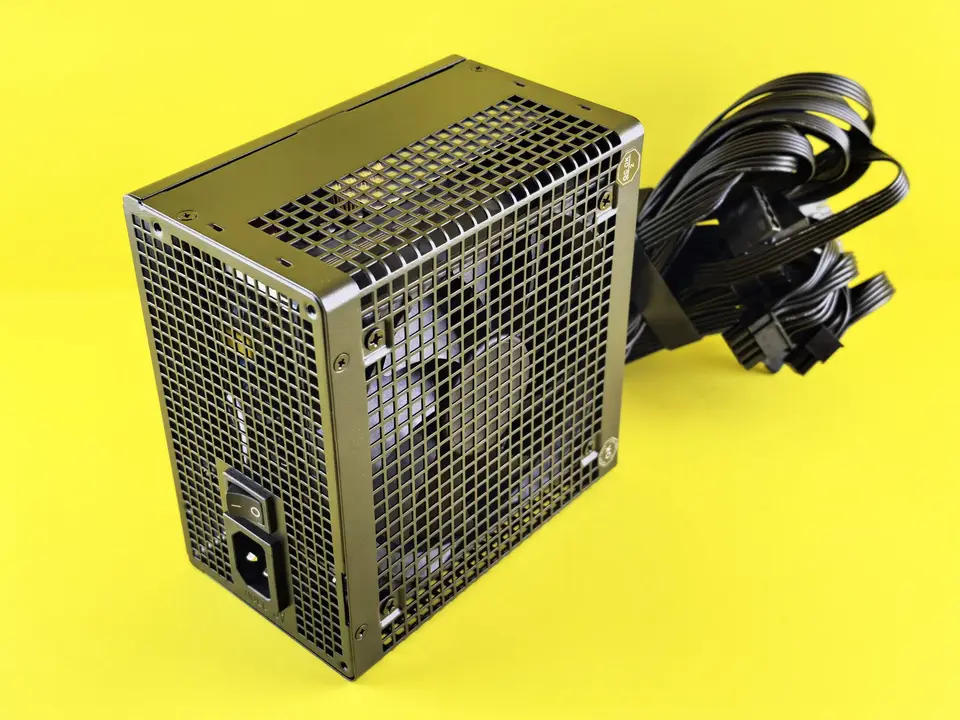
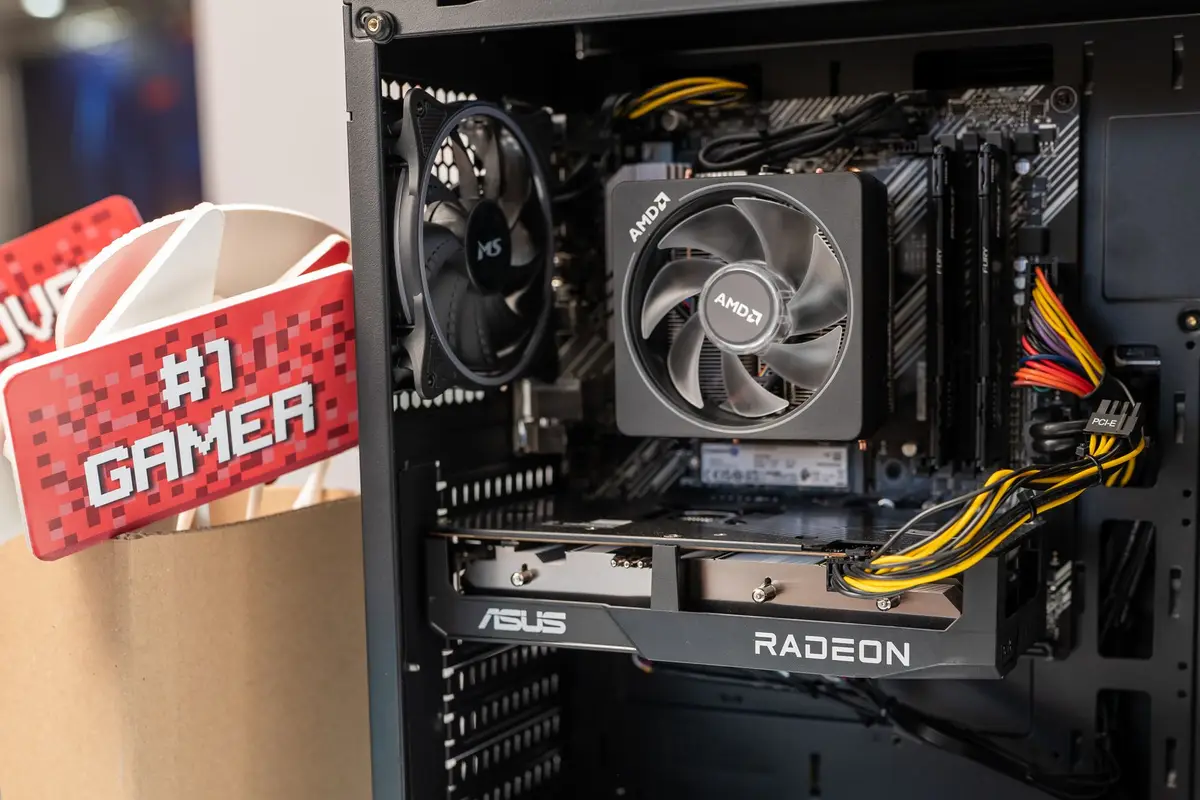
Installation begins with the computer switched off and disconnected from mains power. NVIDIA recommends attaching the adapter to the card before inserting the card into the motherboard, then checking that the 16-pin plug sits fully inserted, even and flush with the socket. The cable route must leave enough space for the side panel to close without pushing on that connection.
Motherboard: backward compatibility is not a performance promise
NVIDIA identifies the RTX 5090 as a PCIe 5.0 card, while its quick-start guide requires a PCI Express graphics slot and directs installation in the primary PCIe x16 slot nearest the processor. PCI-SIG says PCIe 5.0 cards can plug into PCIe 1.x, 2.x, 3.x and 4.x slots and operate at the highest performance supported by the resulting configuration. That standard-level compatibility does not establish a specific gaming-performance difference or guarantee every motherboard and BIOS combination.
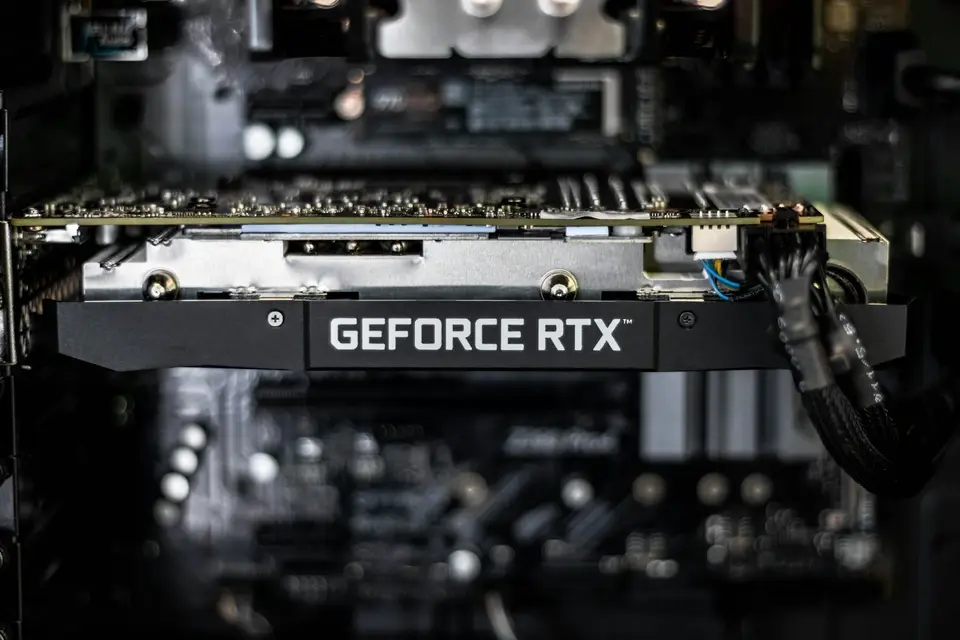
The motherboard manual must identify the primary slot, its electrical lane width and any lane sharing with storage or other expansion slots. A full-length connector can be wired for fewer lanes, and the effect of installed M.2 drives or add-in cards varies by board. The card vendor's support information and the motherboard maker's BIOS notes govern model-specific problems.
Case: the GPU name does not specify its dimensions
NVIDIA lists the Founders Edition at 304 by 137 mm and two slots, while its quick-start guide gives a 61 mm card thickness and recommends another open slot in front of the fans for airflow. Those measurements describe NVIDIA's design, not every RTX 5090 sold by a partner.
ASUS lists the ROG Astral RTX 5090 OC at 357.6 by 149.3 by 76 mm, occupying 3.8 slots and using one 16-pin power connector. The same page recommends a 1,000 W PSU, but that matching wattage does not make its physical requirements identical to the Founders Edition.
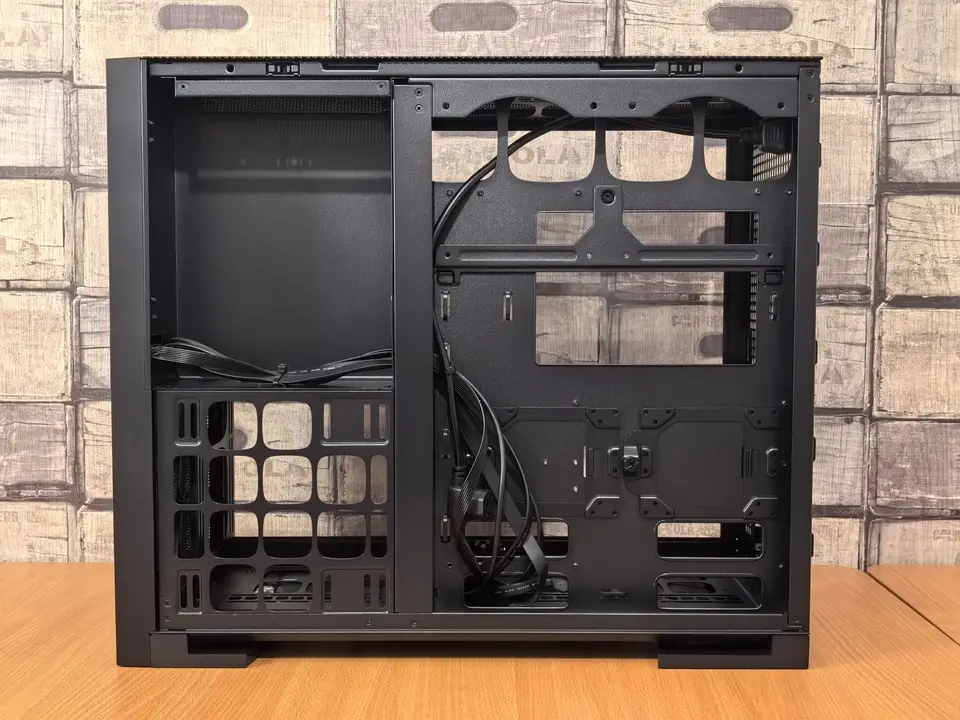
Measure from the rear expansion brackets to the nearest installed obstruction, including a front fan, radiator or drive cage. Check the card's height against the side panel and its slot thickness against adjacent expansion cards. NVIDIA's product page also calls for 36 mm of additional space for Founders Edition power cables, so card length alone is not a complete case-fit test.
A pre-purchase checklist for the complete build
Fix the bill of materials. Record the exact graphics card, PSU, motherboard and case model numbers. Save the current manufacturer specification pages because dimensions and bundled cables can differ among regional or later revisions.
Audit the PSU. Record its rated power, exact cable set and the connection method allowed by the card maker. For a Founders Edition card using NVIDIA's adapter, all four 8-pin feeds must be independent and dedicated.
Audit the motherboard. Confirm the primary PCIe x16 slot, available lane width and any sharing rules in the board manual. Treat an earlier PCIe generation as a configuration to verify, not as evidence for an assumed performance percentage.
Measure the installed case. Use the selected card's length, height and thickness rather than the Founders Edition numbers by default. Include fans, radiators, storage cages, adjacent cards and the power-cable path in the measurement.
Inspect before the first boot. Confirm that the card sits squarely in the primary slot, its bracket is secured and the power plug is fully seated and flush. Close the case only when the panel does not press against the cable or connector.
Frequently asked questions
Does every 1,000 W PSU work with an RTX 5090?
No. NVIDIA says system power can vary with the configuration, and the exact PSU must also provide a connection method approved for the selected card.
Does an RTX 5090 require a PCIe 5.0 motherboard?
PCI-SIG says PCIe 5.0 cards are architecturally backward compatible with earlier PCIe generations. The motherboard still needs a suitable primary slot, firmware support and a lane layout that works with the rest of the installed hardware.
Can Founders Edition dimensions be used for every RTX 5090?
No. ASUS lists the ROG Astral at 357.6 mm long and 3.8 slots, while NVIDIA lists its Founders Edition at 304 mm.
Sources and further reading
- GeForce RTX 5090 Quick Start Guide(NVIDIA)Founders Edition requirements for the PSU, power cables, physical clearance, connector seating and primary PCIe x16 slot.
- GeForce RTX 5090 Graphics Cards(NVIDIA)Founders Edition dimensions, Total Graphics Power, required system power and configuration caveat.
- Are PCIe 5.0 products compatible with products built to prior PCIe generations?(PCI-SIG)PCIe 5.0 backward compatibility with earlier PCIe generations.
- ROG Astral GeForce RTX 5090 32GB GDDR7 OC Edition specifications(ASUS ROG)Partner-card dimensions, slot width, 16-pin connector and recommended PSU.