The FIDO Alliance estimated in May 2026 that five billion passkeys were in use worldwide as more services offered passwordless sign-in. Passkeys remove the reusable password or one-time code from the authentication exchange, but their convenience after a lost or replaced device depends on where the credential was saved.
The alliance said its research covered 11,000 consumers and 1,400 corporate decision-makers in 10 countries, with 75 percent of consumer respondents reporting that they had enabled a passkey on at least one account. The figures are industry-group estimates rather than a global census, and they do not measure adoption in Taiwan separately.
Why SMS codes remain a weaker option
An SMS one-time password can be entered into a fraudulent site and relayed to the real service before it expires. It also depends on control of a telephone number, which can change after a SIM replacement or number-porting attack.
The US National Institute of Standards and Technology's 2025 authentication guidelines classify verification over public telephone networks, including SMS, as restricted and tell verifiers to consider SIM changes, device swaps and number porting before sending a code. The guidance requires US federal services using this method to offer an unrestricted alternative, but it does not ban SMS or set rules for services in other countries.
Passkeys address the relay problem by binding each credential to the website or app for which it was created. A fraudulent domain cannot ask the authenticator to sign a challenge for the legitimate domain, while control of a phone number alone does not provide the private key.
How a passkey works
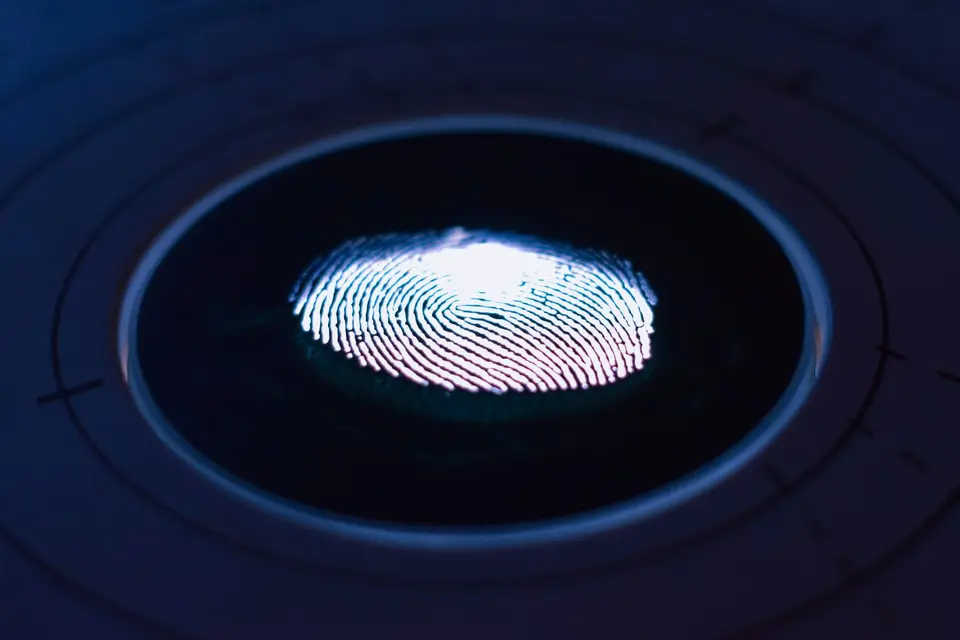
A service creates a public-private key pair during registration. The service keeps the public key, while a phone, computer, security key or credential manager protects the private key and uses it to sign a fresh challenge at login.
The FIDO Alliance says passkeys use FIDO2 standards and can be unlocked with the same biometric check, PIN or pattern used to unlock a device. A fingerprint or face scan normally authorizes the credential locally; the biometric information is not sent to the service.
Passkeys can be synced through a credential manager or kept on one device. That distinction matters more for recovery than the fingerprint or face prompt visible during sign-in, because the prompt does not reveal whether the credential has a cloud-backed copy.
Set up a passkey and record where it is saved
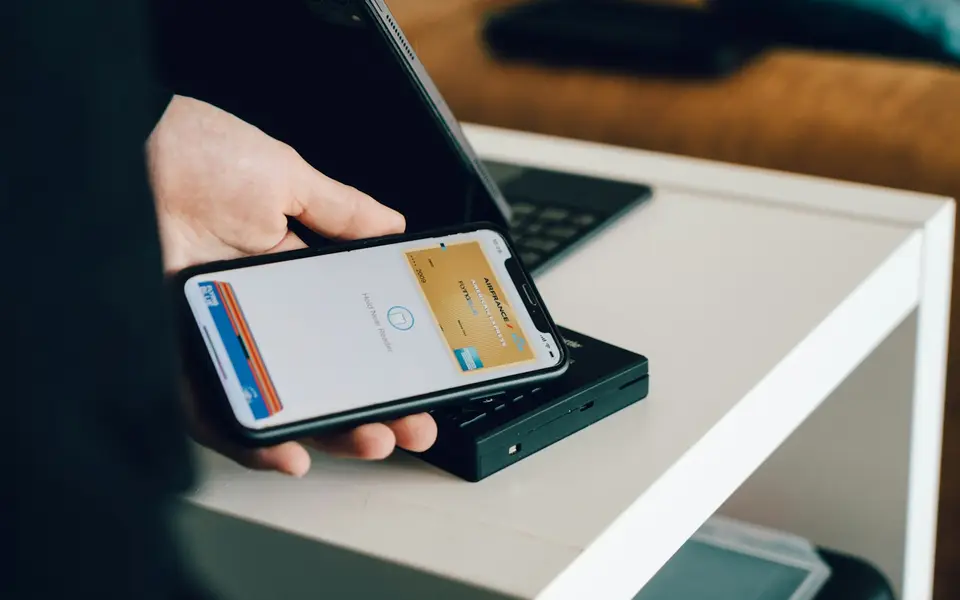
Start in the security or sign-in settings of a service that explicitly offers passkeys. After choosing to create one, check the account name and service shown by the operating system, select the intended credential manager or device when a choice appears, and approve creation with the device unlock method.
Do not create a passkey on a shared or public device unless the flow clearly saves it back to a credential manager under personal control. Anyone who can unlock a device may be able to use a passkey stored on it, subject to the protections and account policies of that platform.
The safest setup for device loss is service-specific. Where the account permits it, users can register passkeys on more than one personally controlled device, use a synced credential manager, or keep another recovery method that the service supports. A device-bound passkey on a computer or hardware security key has no automatic cloud recovery unless its provider explicitly offers one.
Moving to a new phone depends on the credential manager
Apple says passkeys stored in iCloud Keychain sync across a user's Apple devices and can be recovered through its protected keychain-recovery process. Apple requires two-factor authentication for accounts that use iCloud Keychain, so access to the Apple Account and its recovery process remains part of the security model.
Google says passkeys saved in Google Password Manager are backed up to the Google Account and become available on supported devices signed in to that account. A Google Password Manager PIN or an eligible Android device's screen-lock credential protects access to the saved keys.
Microsoft distinguishes passkeys saved to a synced credential manager from passkeys stored locally with Windows Hello or on a physical security key. Its setup flow may offer several storage locations, so the label selected during creation determines whether the passkey follows the user to another device.
A QR code signs in from nearby; it does not always transfer a key
When a passkey is on a phone but the sign-in screen is on another device, the service may display a QR code. Scanning it lets the nearby phone approve that session, usually with a proximity check, while the passkey remains in its original credential manager.
This process can bridge operating systems without automatically moving the credential between them. To keep signing in after the old phone is unavailable, the user may need to create another passkey on the new device through the service's account settings or rely on the service's recovery process.
Support in Taiwan remains difficult to compare
Biometric login inside a banking app is not by itself proof that the service offers a standards-based passkey for account authentication. The reviewed primary sources did not establish a current, comparable list of Taiwan banks and payment providers offering passkeys rather than device-bound app login, so this report does not reproduce the provider claims in the source article.
Availability must be checked in each service's current security settings and official support material. Menu labels, supported browsers, credential-manager choices and recovery routes can change independently, even when two services display a similar face or fingerprint prompt.
Sources and further reading
- NIST Special Publication 800-63B: Authentication and Authenticator Management(US National Institute of Standards and Technology)
- FIDO Passkeys: Passwordless Authentication(FIDO Alliance)
- FIDO Alliance Reports Accelerating Global Passkey Adoption on World Passkey Day 2026(FIDO Alliance)
- About the security of passkeys(Apple Support)
- Manage passkeys in Chrome(Google Chrome Help)
- Create and save a passkey(Microsoft Support)