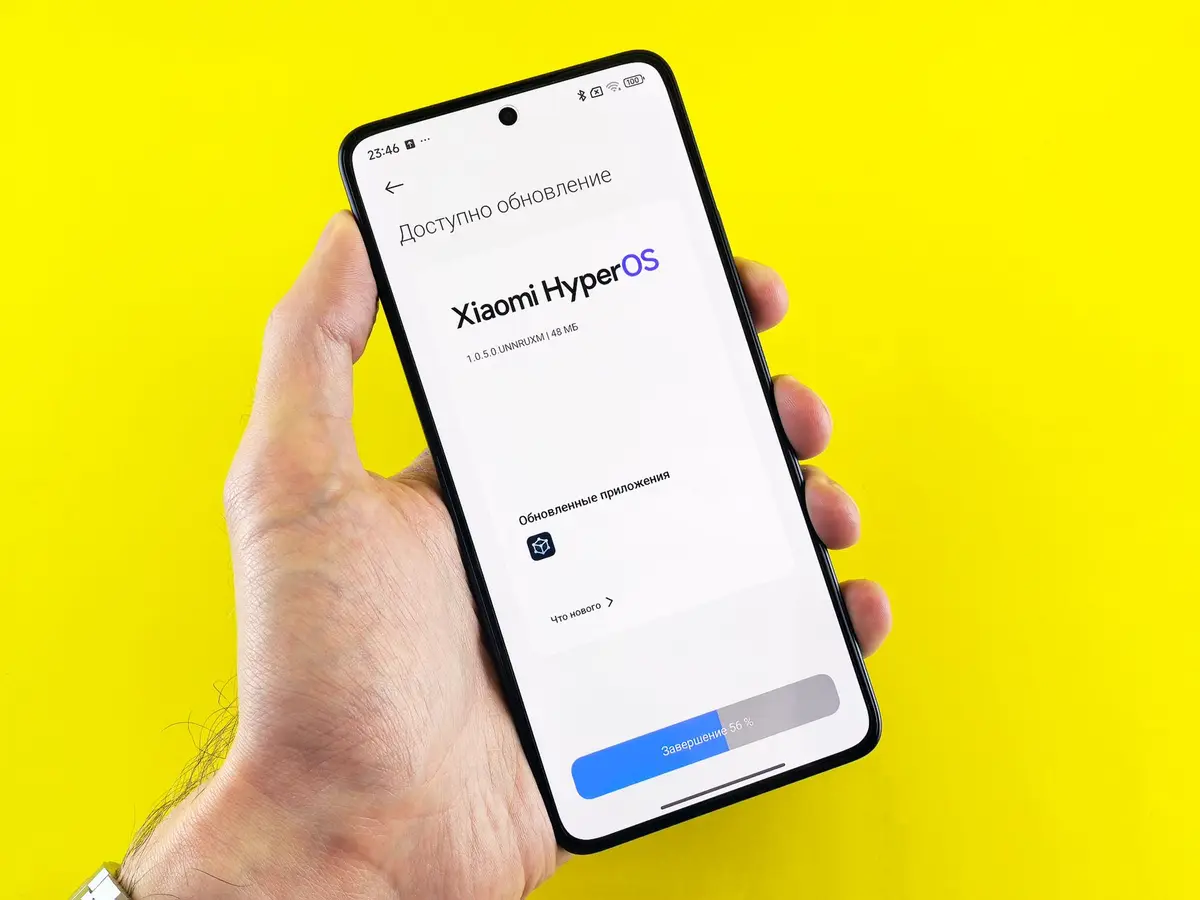
Apple released iOS 26.6 on July 27, 2026, with fixes for flaws affecting components including WebKit, Wi-Fi and the operating-system kernel. Phone owners weighing an update should separate security exposure from early performance problems, then verify backups and recovery options before installing it.
A blanket rule to install every update immediately or delay every major release misses that distinction. Security patches close documented weaknesses, while a large feature release can also change app compatibility and performance. The safer decision starts with the release notes, the phone's support status and the apps that must keep working.
Security fixes set a limit on how long to wait
Apple's security notice says iOS 26.6 was released on July 27, 2026, for iPhone 11 and later and lists fixes across WebKit, Wi-Fi, the kernel and other components. The effects described by Apple include access to sensitive data, arbitrary code execution and unexpected app termination. Staying on an earlier release can therefore mean retaining flaws that the newer version addresses.
Android has a similar security consideration, but delivery is fragmented. Google's August 2026 Android Security Bulletin says patch levels dated August 5, 2026, or later address all issues covered by that bulletin. A phone's displayed Android version does not by itself show whether it has that patch level.
That does not make every available download equally urgent. Check whether the release is primarily a security patch, a large operating-system upgrade or both. If the vendor says a flaw is being exploited, the case for prompt installation is stronger than it is for an optional feature release with no stated security fix.
Higher battery use after an update can be temporary
Google says Pixel phones normally use more battery after an update while they download, optimize and set up the new software. The same page cautions that older devices cannot always run newer Android versions and says update schedules differ by device, manufacturer and mobile operator.
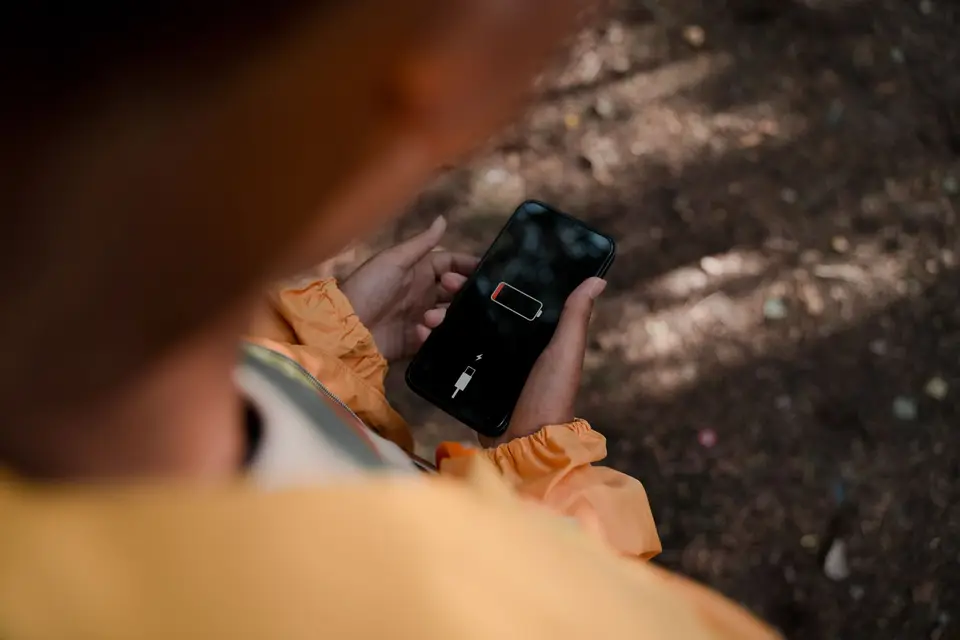
This official statement is specific to Pixel devices, not evidence for every Android model or iPhone. Apple separately says network conditions and individual use can affect battery and system performance. Short-term battery drain alone is not enough to diagnose a permanent fault, but severe heat, repeated crashes or lost connectivity warrants checking the manufacturer's support channel rather than waiting indefinitely.
Make four checks before installing
First, identify the type of update. Read the vendor's release and security notes. A monthly security patch presents a different tradeoff from the first public release of a redesigned operating system, and the two can arrive together.
Second, confirm that a current backup completed. Apple tells iPhone and iPad owners to back up with iCloud or a computer before updating, then connect the device to power and Wi-Fi. A backup protects data; it does not guarantee that the old operating system can be restored.
Google says Android backups can include apps and app data, call history, contacts, settings, and SMS and MMS messages. Google also warns that not every app backs up or restores all settings and data, and that a backup from a higher Android version cannot be restored to a phone running a lower version. Check the backup details instead of relying only on the word “On.”
Third, verify the apps that cannot be interrupted. Banking, payment, authentication and workplace apps may have their own supported operating-system ranges. Check each developer's current support page or release notes, especially when the phone is managed by an employer.

Fourth, prepare the installation. Charge the phone, use a stable network and leave enough time for the download, restart and post-update setup. Google recommends Wi-Fi and at least 75 percent battery for Pixel updates; Apple advises power and Wi-Fi for iPhone and iPad updates.
Rollback should not be treated as a safety net
There is no single rollback rule that covers every current iPhone and Android phone. Apple's public consumer guide describes updating to the latest iOS release, while Android installation tools and policies vary among manufacturers, carriers and models. APPI News could not verify an official source for the original report's claim that an iPhone rollback window normally lasts about one week, so that timetable is not used here.
A factory reset is also different from a downgrade. It erases user data and settings and is not by itself a supported procedure for choosing an older operating-system version. Before assuming recovery is possible, check the exact model and build with the manufacturer or an authorized support provider, and confirm whether the backup can be restored afterward.
Respond to problems in stages
After installation, note the time, battery level and affected apps so the pattern can be compared across several charging cycles. Install app updates, restart the phone and check free storage before considering a reset. For a work-managed phone, contact the administrator before removing accounts, profiles or security software.
Escalate sooner if the phone repeatedly shuts down, cannot connect to a required network, loses access to an account or becomes too hot to handle normally. A factory reset should come only after the backup has been checked and the vendor's recovery instructions have been reviewed because it removes local data.
Frequently asked questions
Should a major phone update be installed on release day?
Check the release notes first. A patch for a documented or actively exploited flaw favors prompt installation, while an optional feature release allows more room to confirm app support and early problem reports.
Does battery drain after an update mean the battery is damaged?
Not by itself. Google documents temporary extra battery use during post-update setup on Pixel phones, but continuing drain can also have other causes. Record the change, check battery usage by app and use the device maker's troubleshooting guidance if it persists.
Can a phone always return to its previous operating system?
No. Availability depends on the platform, device, build and vendor policy. Confirm a supported procedure for the exact phone before updating; a data backup and a factory reset do not establish that a downgrade is available.
What is the minimum preparation before an update?
Verify a completed backup, confirm support for required apps, charge the phone and use a stable network. Save access to account-recovery information separately in case an app asks for a new sign-in after the update.